Menu Profiles
When your cinema has more than one concession offer
Offer your guests the right range for the right area. Whether in the auditorium, the VIP area or in front of a bar. Create different menu profiles and use them where you need them.
In the web shop, at the self-service ordering kiosk or when ordering at the seat.
For cinemas with more than one area
For cinema operators who have different areas in the cinema and do not want to show the same range everywhere. For standard auditoriums, VIP zones, the foyer bar, a catering area or ordering at the seat. Maintain your offer centrally and have it shown to suit the situation.
Auditoriums and seating areas
Foyer and bar
Web shop, kiosk and seat ordering
Special areas call for a special offer
Someone ordering in front of your bar does not need the same range as a guest in the auditorium. Someone seated in the VIP area expects a different offer from someone in the foyer. And anyone choosing an auditorium at the self-service ordering kiosk should not have to search for what actually suits that area.
A single range is easy to maintain, but it does not fit every situation. With menu profiles you steer your range the way your cinema is built.
Without menu profilesOne range for everyone
- One range for all areas
- Bar, VIP and auditorium all look the same
- Guests see items that do not suit their area
- The offer becomes fuller than it needs to be
With menu profilesMatched to the location
- Range by location and seating area
- Bar items in the bar area, VIP offers in the VIP area
- Auditorium or seat-based selection when ordering at the seat
- Matching display in the web shop or at the self-service ordering kiosk
One cinema. Several locations. One system.
Menu profiles connect your range with the different areas in your cinema. You define which items belong to which location and make sure your guests see the offer that suits them.
Define the area
Assign a menu profile
Different channels
Show a different range in the web shop, at the self-service ordering kiosk or when ordering within a seating area.
Would you like to see how menu profiles could be set up in your cinema?
Let’s talk – every cinema is different. Together we will find the right solution.
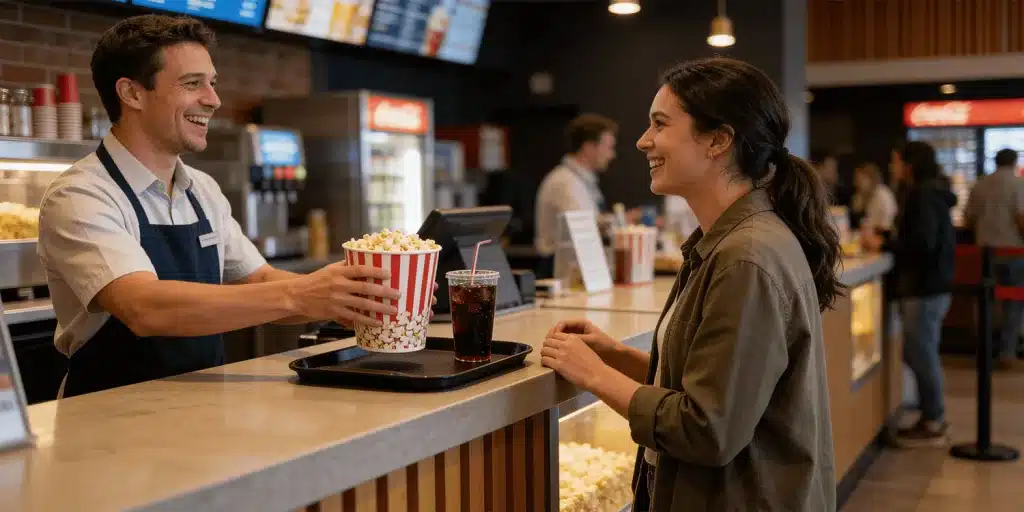
From the auditorium down to the individual seating area.
The right offers for your guests
For ordering at the seat, the matching menu profile can be determined from the ticket purchase and the booked seat. That way the guest does not see just any range, but the offer that suits their area.
- Menu profiles for individual auditoriums possible
- Configurable at auditorium, row, seat and seating-area level
- The right range when ordering within a seating area
- Suitable for VIP areas or separated seating areas
A separate offer for the foyer, the bar or the VIP area
Separate ranges per area within the same cinema
Not every area in the cinema needs the same range. In front of your bar, bar items should be visible. In the foyer a different offer can make more sense than in the auditorium or the VIP area.
- Menu profiles for foyer ranges possible
- Separate offers for bar or catering areas can be shown
- Several menu profiles for different zones within the same cinema
- Display names can be stored in German and English
One menu profile logic. Several ordering moments.
Menu profiles can be used in the web shop, at the self-service ordering kiosk and when ordering for particular seating areas. Your guests see the offer at the right moment and do not have to work through a full range.
Web shop
In the web shop, the stored menu profile applies according to the purchase or ordering moment.
- Draws on the stored menu profiles
- A different range per ordering moment
Self-service ordering kiosk
At the self-service ordering kiosk, ranges are shown by auditorium or area — the foyer or bar range, for instance.
- Ranges by auditorium or area
- Foyer or bar range at the same kiosk
Seating area
When ordering within a seating area, the matching menu profile appears for the booked area.
- The matching menu profile per booked area
- Suitable for VIP or special seating areas
Questions about menu profiles from Compeso
Menu profiles connect locations in your cinema with matching ranges. In the web shop, at the self-service ordering kiosk or when ordering at the seat, guests then see not the complete offer, but exactly the items that suit their auditorium, area or foyer.
You maintain the menu profiles centrally in the CineOrder Admin and use the same logic across several ordering moments. The web shop, the self-service ordering kiosk and ordering within a seating area can each show the matching range as a result.
Yes. You can create menu profiles for individual auditoriums, seating areas, seating zones, the foyer, a bar or a catering area. Each profile only shows the items that should actually be offered in that location.
For ordering at the seat, the matching menu profile can be determined from the ticket transaction and the booked seat. A guest in the VIP area therefore sees a different offer from a guest in a standard auditorium, if your cinema configures it that way.
Menu profiles are maintained centrally and can be used across several channels. Items, display names, activation and assignment all sit in one place, while your guests see a clear, matching range at each ordering moment.
Let's look together at what your cinema needs today
Every cinema is different.
That is why we do not start with a quote
but with a conversation.