Multi-Site Management
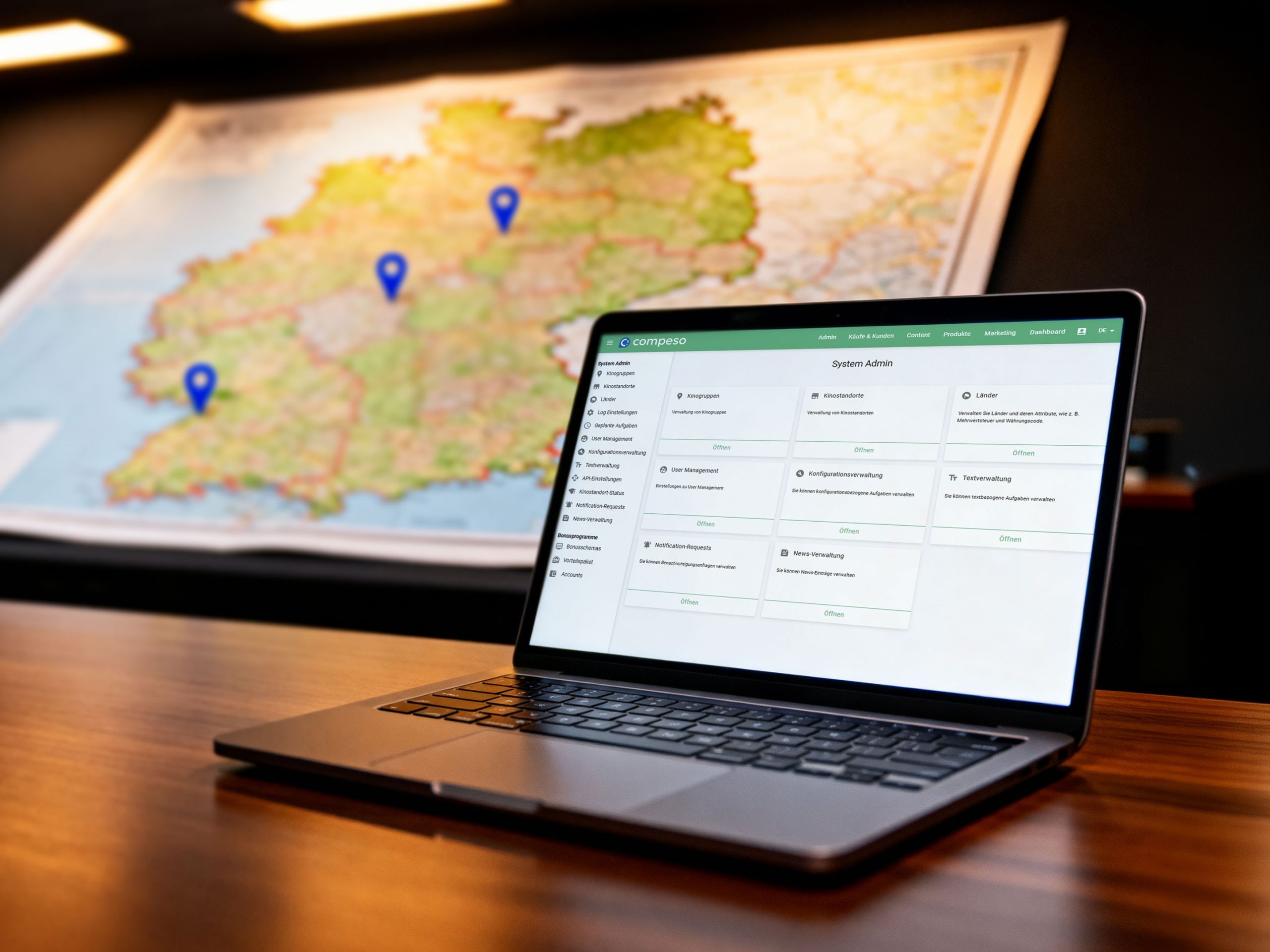
All sites. One head office. No duplicated effort.
So your team keeps the whole cinema chain in view: maintain master data centrally, evaluate revenue by site and steer access permissions precisely.
That takes pressure off your teams day to day and lets you focus more on the magic in the auditorium and on your guests.
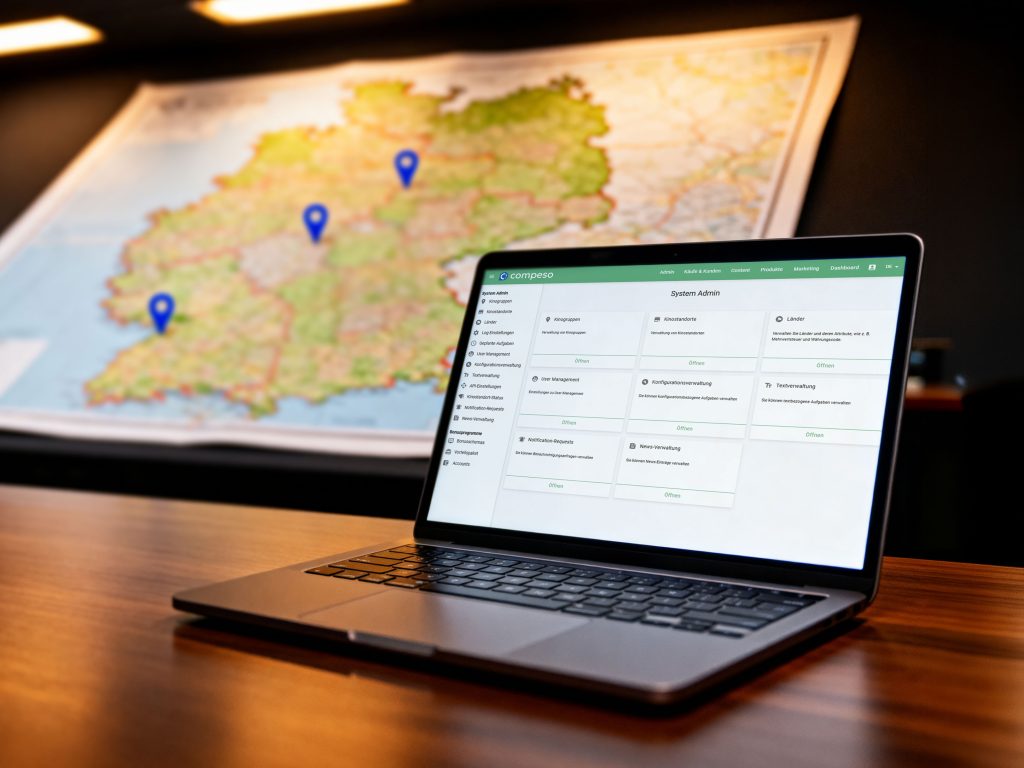
Maintain master data centrally
Consolidate reports
Steer permissions precisely
When every site works on its own,
unnecessary effort builds up
For cinema chains, managing several sites often involves a great deal of effort. Film master data, price tables and items are maintained at individual sites. That frequently creates extra coordination by phone, email or spreadsheet.
Reports and end-of-day closings do not always reach head office in time either. When a cinema site does not transfer its end-of-day closing, the overview is missing exactly when your team wants to make well-founded decisions.
When every site works on its own
- Film master data is maintained repeatedly
- Price tables and items are coordinated manually
- Phone calls, emails and spreadsheets cost time
- Reports reach head office too late
- Missing end-of-day closings make the overview harder
With multi-site management
- Master data is maintained centrally
- Data is transferred to sites as needed
- Reports come together at head office
- End-of-day closings can be checked
- Permissions follow the structure of the cinema chain
One central working environment for your cinema chain
From there, master data is distributed, reports are consolidated and access permissions are steered per site. That way your head office can work with complete data, while the individual sites work with the information and functions relevant to their operation.
That reduces effort in the teams and means central decisions can be made on a shared data basis.
Maintain master data once
Manage films, distributors and items centrally
Master data is maintained at head office and transferred to the sites as needed. What is stored centrally arrives automatically at the sites, without manual reconciliation between venues.
That means film titles, distributors and items do not have to be created separately at every cinema site. At the same time, site-specific settings remain possible.
- Create global film titles, distributors and items once and distribute them across sites
- Steer site-specific seating plans, price tables and weekly programmes individually
- Manage individual cinema sites technically from head office
Revenue and reports from all cinemas
Reporting for individual sites or the entire chain
Revenue and end-of-day closings flow from the sites into head office. From there, reports can be created flexibly: for a single venue, a fixed site group or the entire cinema chain.
That means your team does not have to wait for figures from individual venues to be gathered manually. Head office can work directly with the consolidated data.
- Define site groups freely and save them as a fixed selection
- Create report packages and run them automatically in a queue
- Produce film settlements directly from the consolidated data
Precise access control
Head office with the full overview. Site teams with a clear focus.
Permissions in the system follow the actual structure of your cinema chain.
Staff at head office can view all sites. Venue managers on site look at their own site. The access rights of individual staff are steered in the permission management.
That keeps the overview where it is needed. At the same time, central master data is protected against accidental changes at the sites.
- Limit access per user to individual sites or site groups
- Steer permissions per area: view, edit, create and delete
- Protect central master data against accidental changes at a site
End-of-day closings in view
Check first, then report
- Check the end-of-day closing per site and date at a glance
- Make deviations between ticket revenue, posting accounts and performance settlement visible
- Recognise where action is needed before faulty data feeds into central reports
Steer the weekly programme and inventory management centrally
The weekly programme and inventory management as part of one system
The weekly programme and the product range do not have to be entered separately at every cinema site.
Anyone running consistent ranges or coordinated programmes across several sites can maintain them centrally and pass them on to the sites. Site-specific adjustments remain possible nonetheless.
- Plan the weekly programme for all sites from head office
- Create and distribute merchandise items, product groups and stock structure centrally
- Still allow for site-specific adjustments
Do you want to steer several cinema sites centrally?
Let’s talk – every cinema is different. Together we will find the right solution.

What does our site management offer?
Exactly as much data transfer as needed
Consistent and still individual
Permissions that match the structure
From the cinema world, for the cinema world
From the demo to go-live — step by step
First conversation & requirements
Test system & learning by doing
Configuring the central structure
Data migration & test runs
Training by role and group
Go-live & support
Frequently asked questions about multi-site management
Multi-site management is the central tool with which you steer several cinema sites from one head office. Master data, reports, end-of-day closings, permissions, the weekly programme and inventory management all come together there — without having to track every site individually.
Films, distributors and items are created once at head office and transferred to the sites as needed. Site-specific seating plans, price tables and weekly programmes remain individually controllable — so head office works consistently while each cinema keeps its own factors.
Permissions follow the actual structure of your cinema chain. Access can be limited per user to individual sites or site groups — per area for viewing, editing, creating and deleting. That way head office sees everything, venue managers see their site, and central master data is protected against accidental changes.
Revenue and end-of-day closings flow from the sites into head office. There you create reports for a single venue, a site group or the entire chain, set up report packages in a queue and use the transfer check to review deviations between ticket revenue, posting accounts and performance settlement daily.
In six steps: first conversation and requirements, a test system for mapping your structure, configuration of sites, users and permission groups, data migration with test runs, training separated by role and group, and go-live — site by site or for all venues together.
Let's look together at what your cinema needs today
Every cinema is different.
That is why we do not start with a quote
but with a conversation.